Data screens you can read at speed.
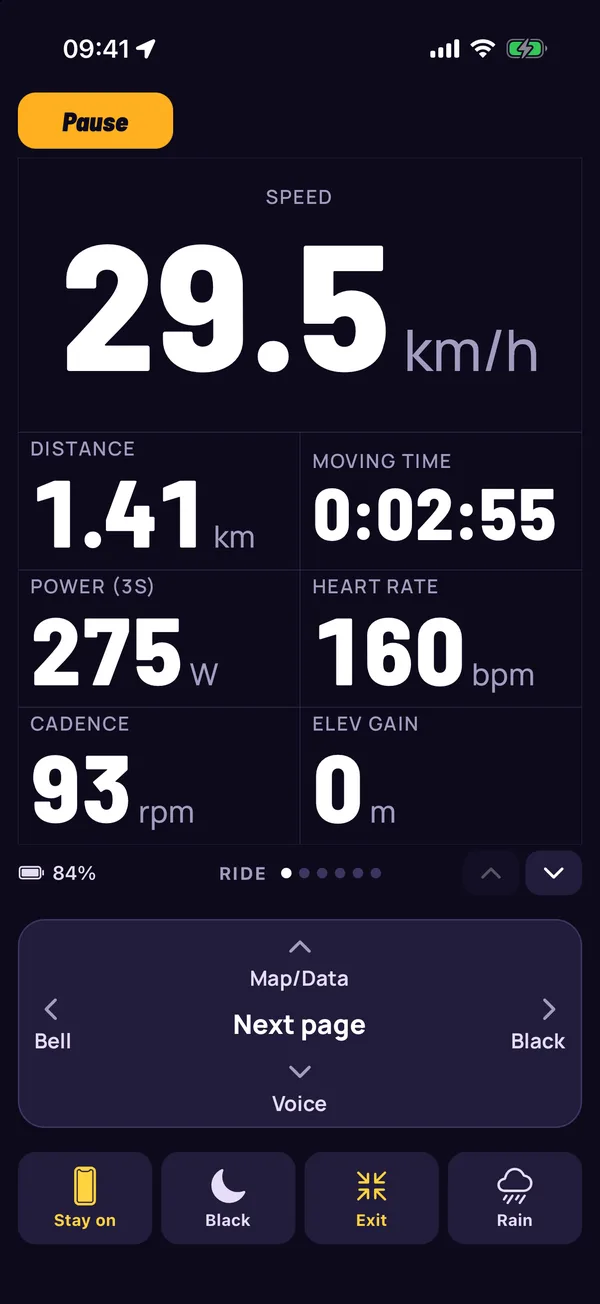
Build up to 10 pages from dozens of fields, charts and gauges. Go full screen and it's just your numbers, edge to edge. Swipe or tap for the next page, or the one before.
Bike computer · iPhone and Android
Big, clear data screens, every climb before you reach it, live segments, indoor workouts that set your trainer, and battery tools that keep you riding. All on the phone already in your pocket.
Build up to 10 pages from dozens of fields, charts and gauges. Go full screen and it's just your numbers, edge to edge. Swipe or tap for the next page, or the one before.
Tap and hold any button to add, remove or drag them into the order you want, mid-ride.
No fiddly buttons with gloves on. Tap for the next page, swipe up for the map, and pick what each swipe does.
Every climb on your route, found and graded. See how long and steep the next one is before you reach it, and what's left as you ride up.
Make a segment from any past ride. Ride it again and see live whether you're ahead of or behind your best.
Drink every 15 minutes, ease off above 165 bpm, a nudge every 10 km. A banner, a tone and a buzz, named the way you like.
Race day, a long Sunday or the commute: save your pages, buttons, alerts and route, and pick it in one tap.
Pick today's workout, or one by how much time you have. RideON holds your power in ERG, or switch to a resistance level or virtual gears. Nudge the intensity, skip a step or add a minute as you go.
Heart rate, power, speed, cadence, smart trainers, Di2 and Zwift Click, each with its live reading and battery. Calibrate a power meter in a tap.
Indoors it shifts virtual gears. Outdoors you choose what each press, double press and long press does: ring the bell, mark a lap, next or previous page.
Every climb, stop and fastest split, laid out along your ride. Name the parts, and add photos, videos or notes where they happened.
Effort and training load, weighted power, speed, heart rate, cadence and power, with charts and your best efforts.
Every road you've ridden, glowing brighter the more you ride it. Made on your phone, never shared.
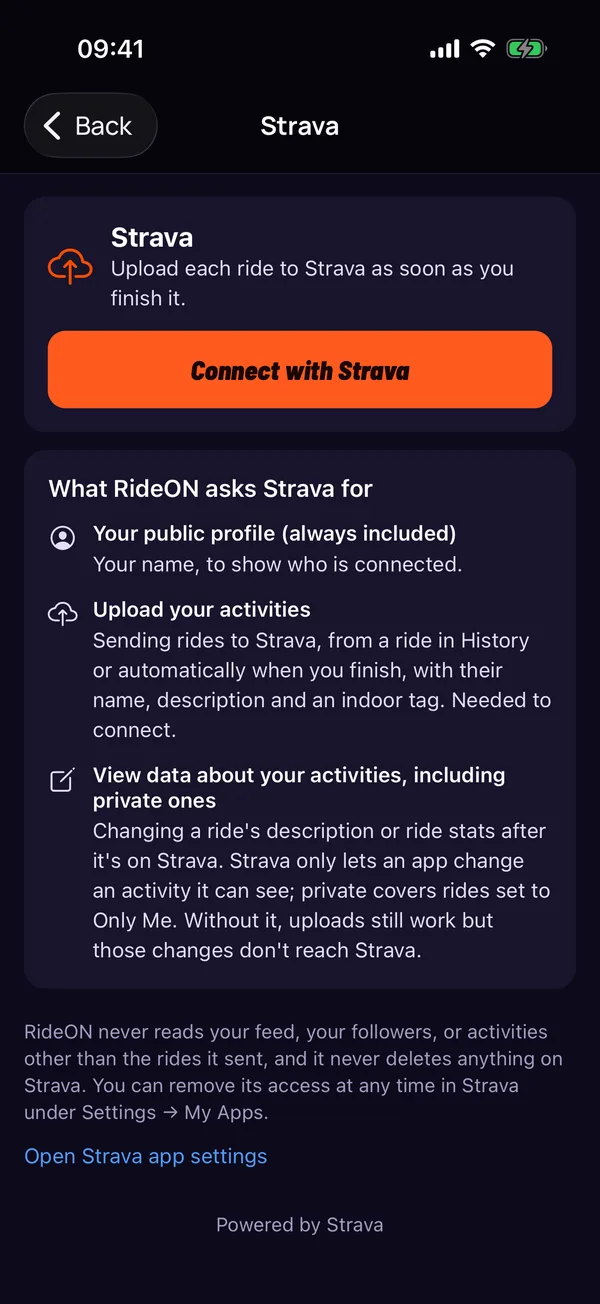
Connect once and every ride uploads on its own, with its name, description and stats. No signal at the finish? It sends when it can.
Black mode, live battery level and time left, and a report after every ride. See what the battery report shows
Battery
RideON is made to be easy on your phone. You can see what it's using as you ride, cut it to almost nothing when you don't need the screen, and look back at where every percent went.
One tap turns the whole display black, saving what the screen would use. One tap anywhere brings your numbers straight back.
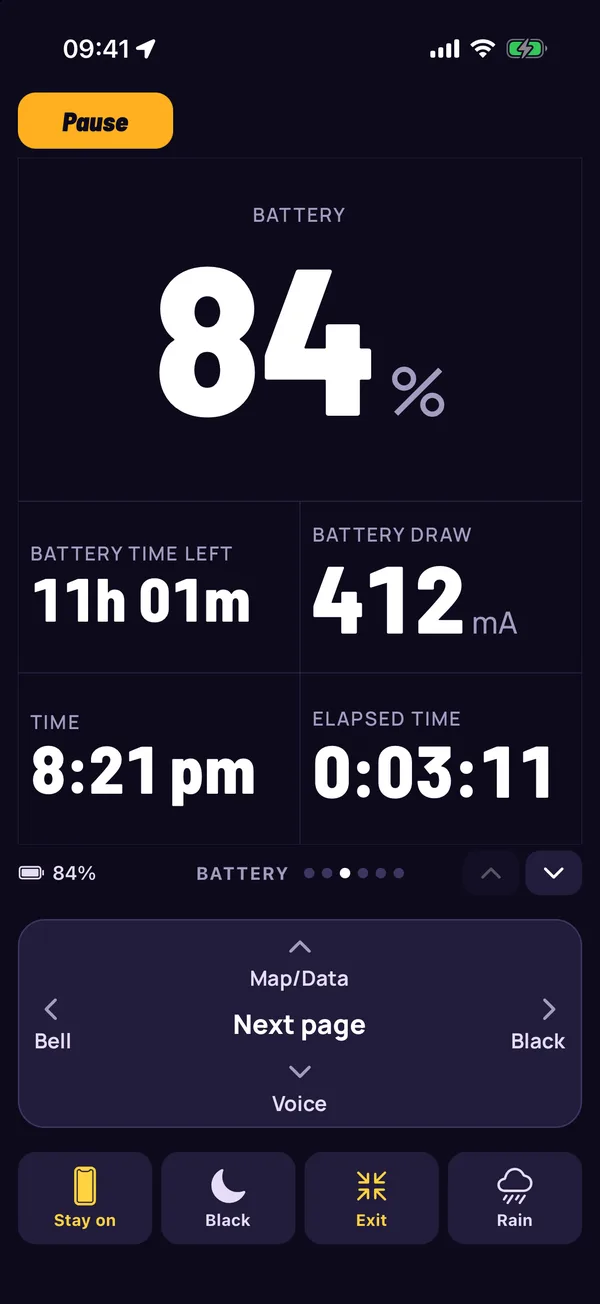
Put battery, battery time left and (on Android) current draw on any data page. Time left is worked out from how fast this ride is using the battery.
The level over the ride, and how much the data screens, the map, black mode and screen-off each used.
Privacy first
No RideON account and no ads. Your rides, routes, sensor readings and settings are kept on your phone. Anything that leaves it is something you turn on.
Voice commands
Tap the microphone, or put Voice on the gesture pad, then speak. RideON does it, or says the answer out loud with it in large text on screen.
English only for now. Speech is recognised on the phone where it can be; otherwise your phone's own recogniser may use Apple's or Google's service. "Finish the ride" is refused on purpose, so a stray phrase can't end your ride. You can turn the microphone button off in Settings.
Get RideON
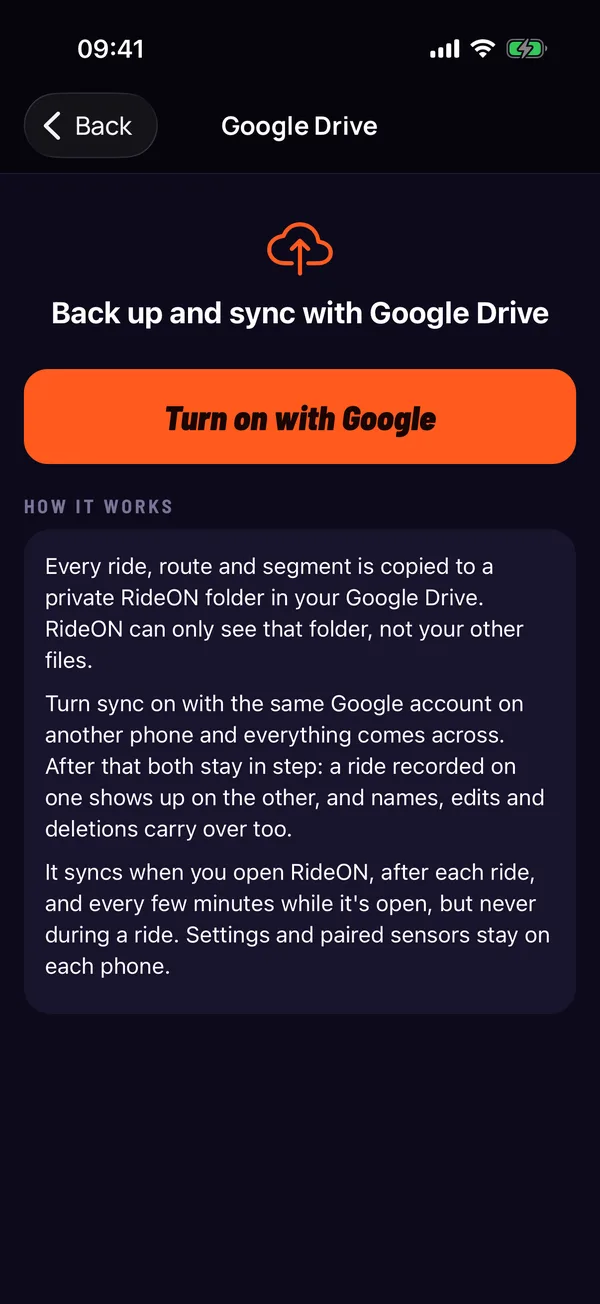
RideON is on iPhone and Android. Recording, following GPX routes, history and exports are free. RideON Pro adds indoor training, route planning, segments, Climb Ahead, navigation alerts and Drive sync, and you can try it in the app.